Creating an efficient and comfortable home office is essential for maintaining productivity and a positive mindset while working from home. A tidy, well-organized space can reduce distractions, help you focus on your tasks, and improve overall comfort during long work hours. Whether you have a dedicated room or just a small corner for your workspace, these simple tips will help you optimize your home office for success.
Choose the Right Location
Find a Quiet and Bright Space
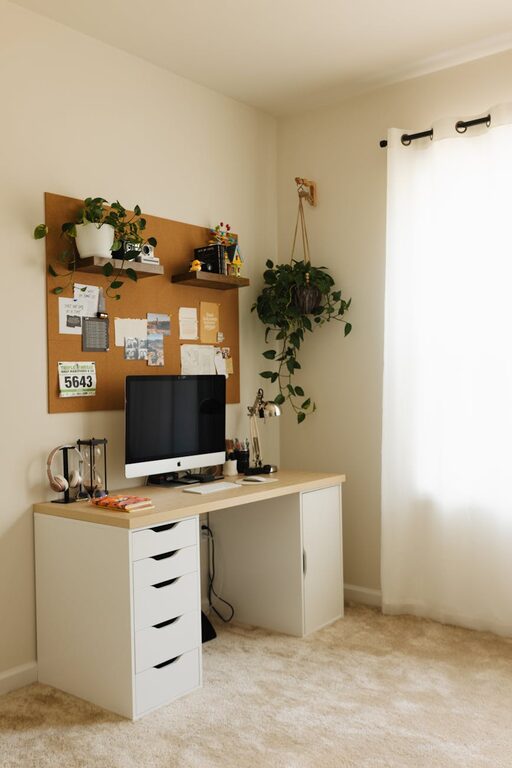
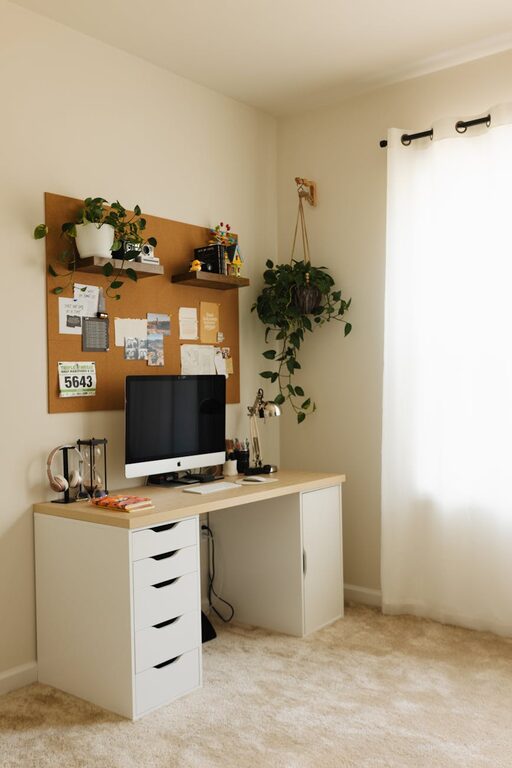
Start by selecting a spot in your home that is quiet and has plenty of natural light. Good lighting reduces eye strain and keeps you energized throughout the day. If natural light is limited, invest in quality desk lamps or overhead lighting with adjustable brightness.
Minimize Distractions
Try to avoid areas near heavy foot traffic or noisy appliances. Setting up your office in a less busy room or using noise-canceling headphones can help you stay focused and uninterrupted.
Declutter and Prioritize Essentials
Keep Only What You Need
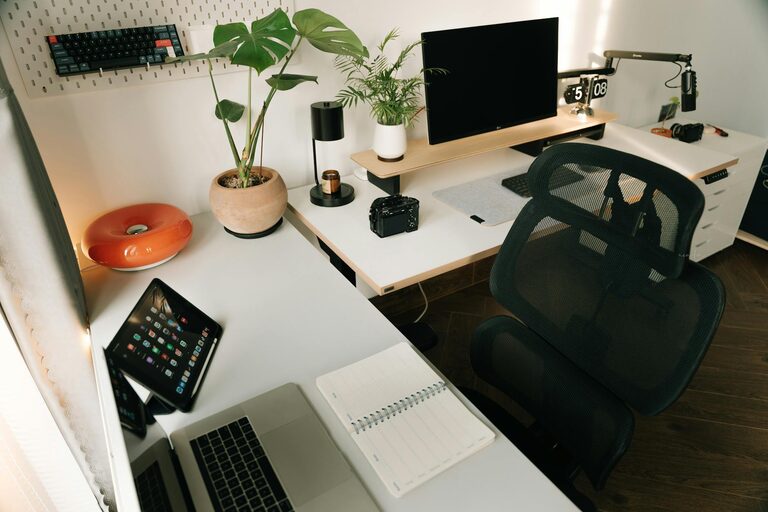
Start by removing unnecessary items from your desk and surrounding space. Only keep essential tools—like your computer, notebooks, and a few writing instruments—within arm’s reach. Less clutter means fewer distractions.
Use Storage Wisely
Incorporate storage solutions like shelves, drawers, and filing cabinets to keep your supplies organized but out of sight. Use boxes or organizers to group similar items such as cables, documents, or stationery.
Organize Your Desk Setup
Position Your Equipment Ergonomically
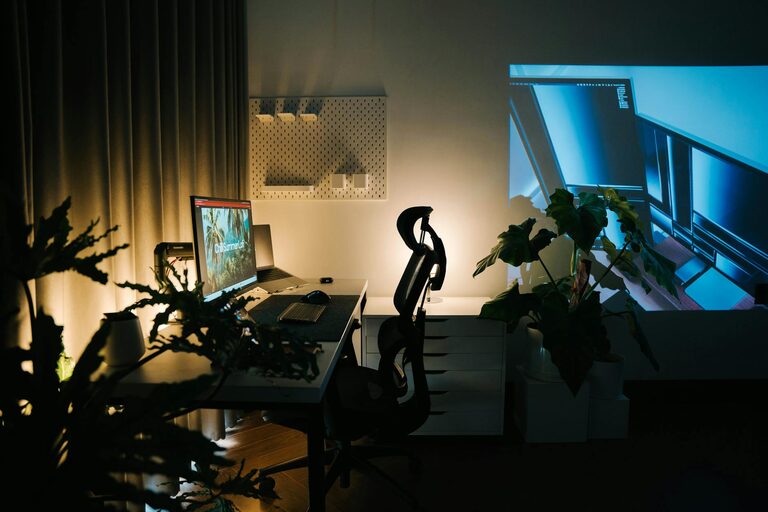
Place your computer monitor at eye level about an arm’s length away to reduce neck and eye strain. Use an adjustable chair that supports your back and allows your feet to rest flat on the floor.
Keep Your Workspace Clean
Make it a habit to clear your desk at the end of each day. Wiping down surfaces regularly helps maintain cleanliness and creates a welcoming start to each workday.
Utilize Tools and Technology
Use Digital Organization Tools
Digital planners, to-do lists, and calendar apps can help keep your tasks and deadlines organized. Using cloud storage services ensures your important documents are accessible and backed up.
Cable Management
Avoid tangled wires by using cable clips, ties, or sleeves. Keeping cords neat improves safety and prevents you from fumbling around when you need to plug or unplug devices.
Personalize for Comfort and Inspiration
Add Plants and Personal Touches
Plants can improve air quality and add a calming element to your workspace. Personal photos or artwork can also make your office feel welcoming and motivate you throughout the day.
Control Temperature and Airflow
Make sure your home office has proper ventilation and a comfortable temperature. A small fan or heater can help regulate the climate, so you stay comfortable and focused.
Establish Habits for Maintaining Organization
Schedule Weekly Clean-Ups
Set aside time each week to tidy your workspace, file papers, and restock supplies. Regular maintenance keeps your office orderly and avoids buildup of clutter.
Develop a System for Incoming Items
Create a designated spot for new mail, documents, or work materials so they don’t pile up randomly. Sorting items daily helps you stay on top of paperwork and reduces stress.
Final Thoughts
Organizing your home office doesn’t need to be overwhelming. By choosing the right location, decluttering smartly, and setting up ergonomic and inspiring surroundings, you can create a space that supports both productivity and comfort. Small improvements and consistent habits go a long way toward making your home office a place where work feels enjoyable and efficient.
Start with one or two tips today, and watch your work-from-home experience improve!
About the Author